

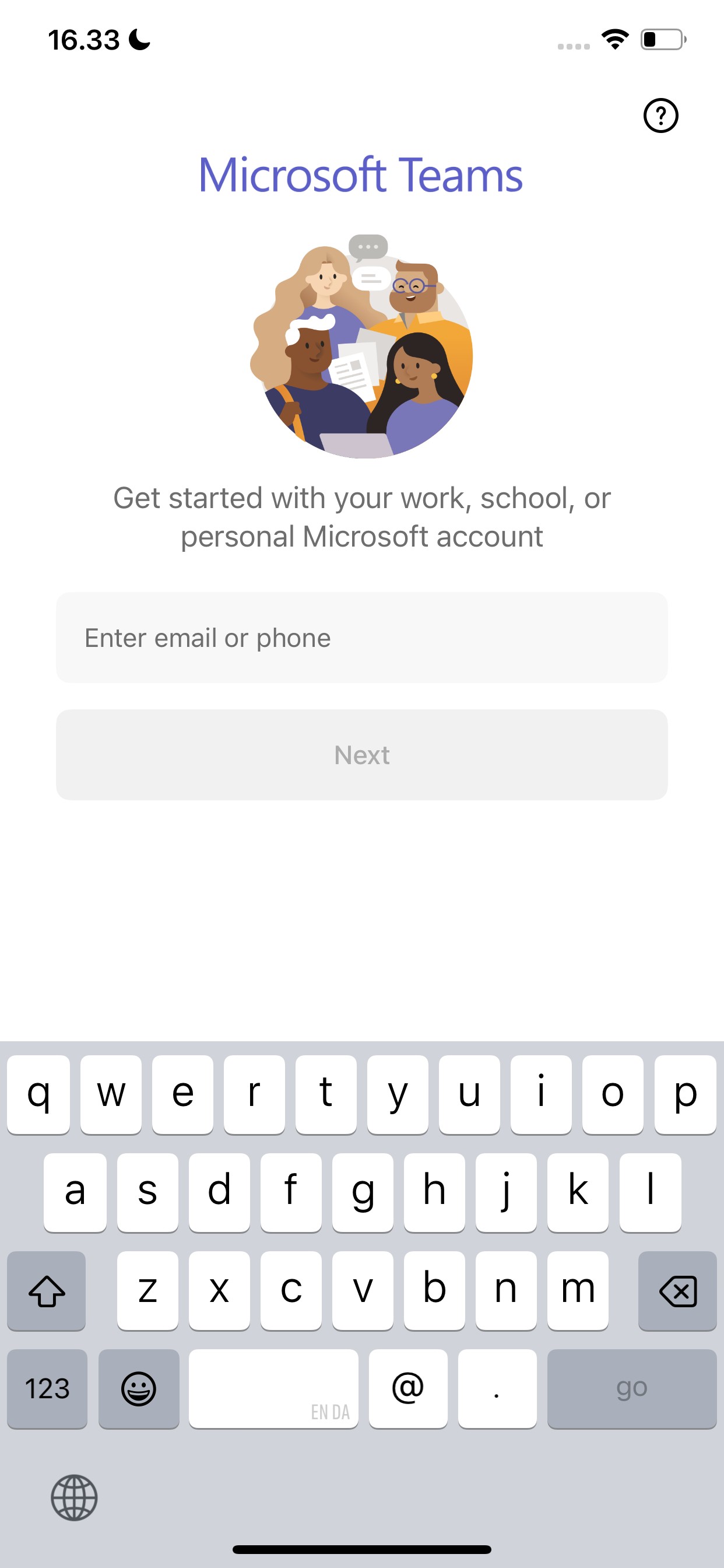
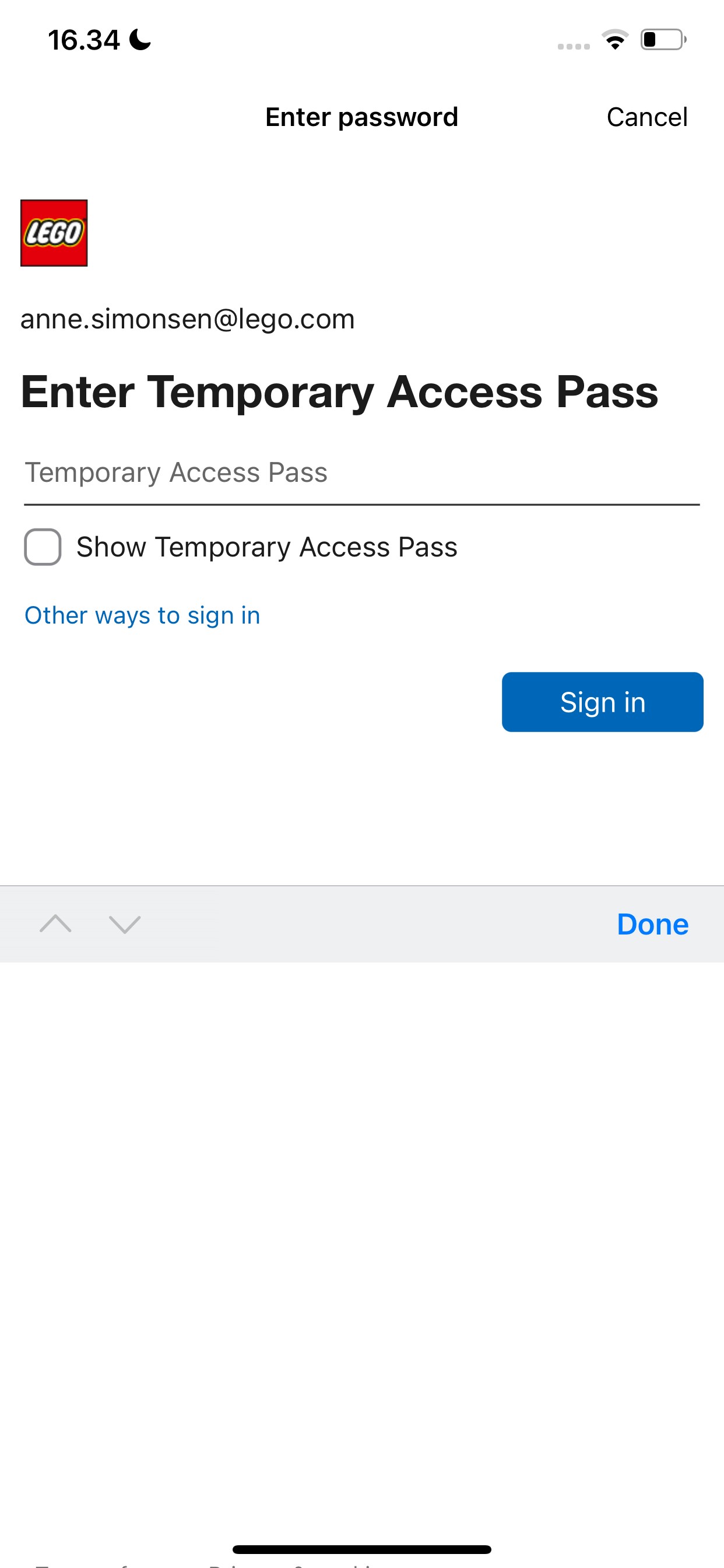
4.1 Sign in to Microsoft Teams
Open Microsoft Teams, enter your work email and follow instructions.

4.2 Choose your PIN
You will use this PIN for signing in to Microsoft Teams going forward.

How do I log in to Microsoft Teams?


You can use Microsoft Teams anytime. About once a day, you’ll be asked to confirm your sign-in:
- Microsoft Authenticator pops up when you open the app
- Follow the instructions
- Return to Microsoft Teams and enter your PIN
It takes a little time, but it helps keep your account secure.


4.1 Sign in to Microsoft Teams
Open Microsoft Teams, enter your work email and follow instructions.

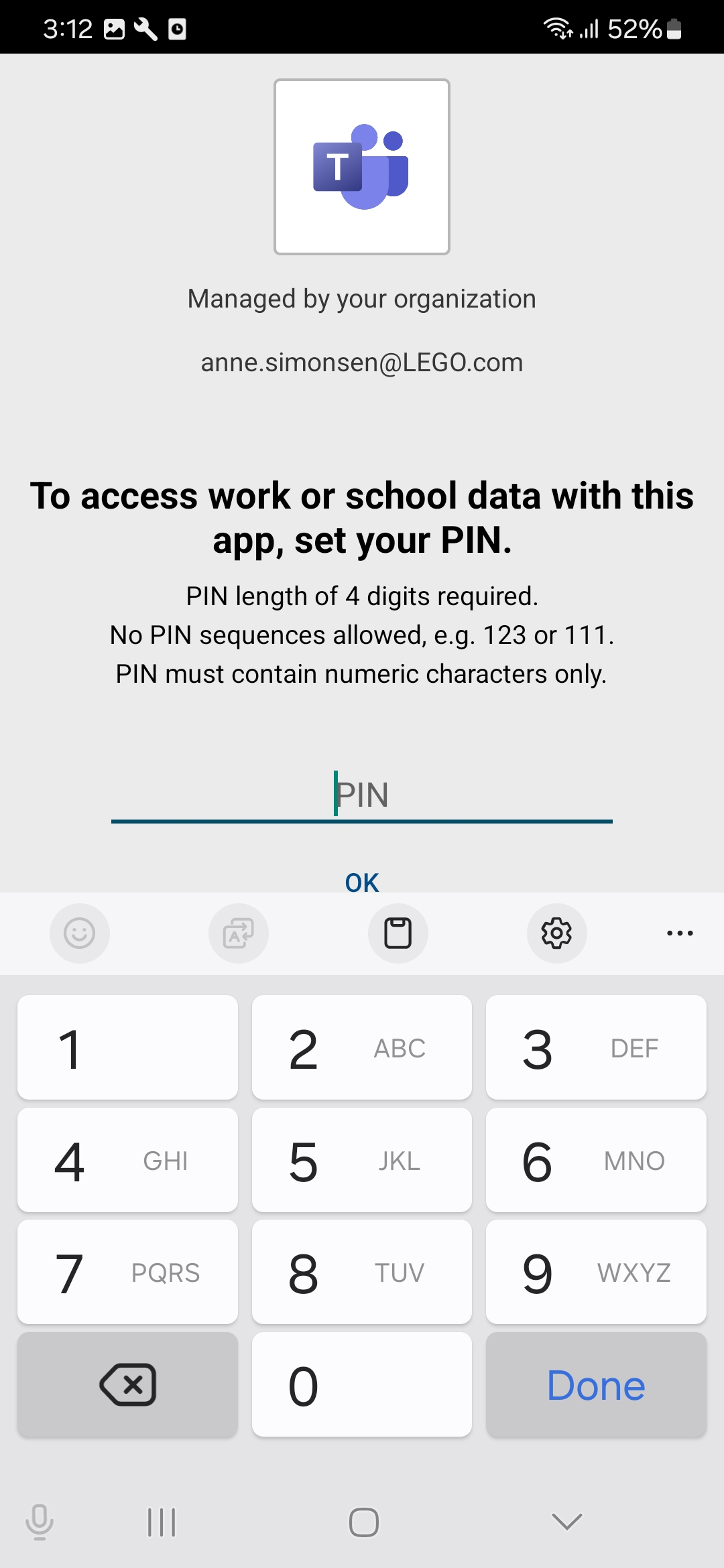
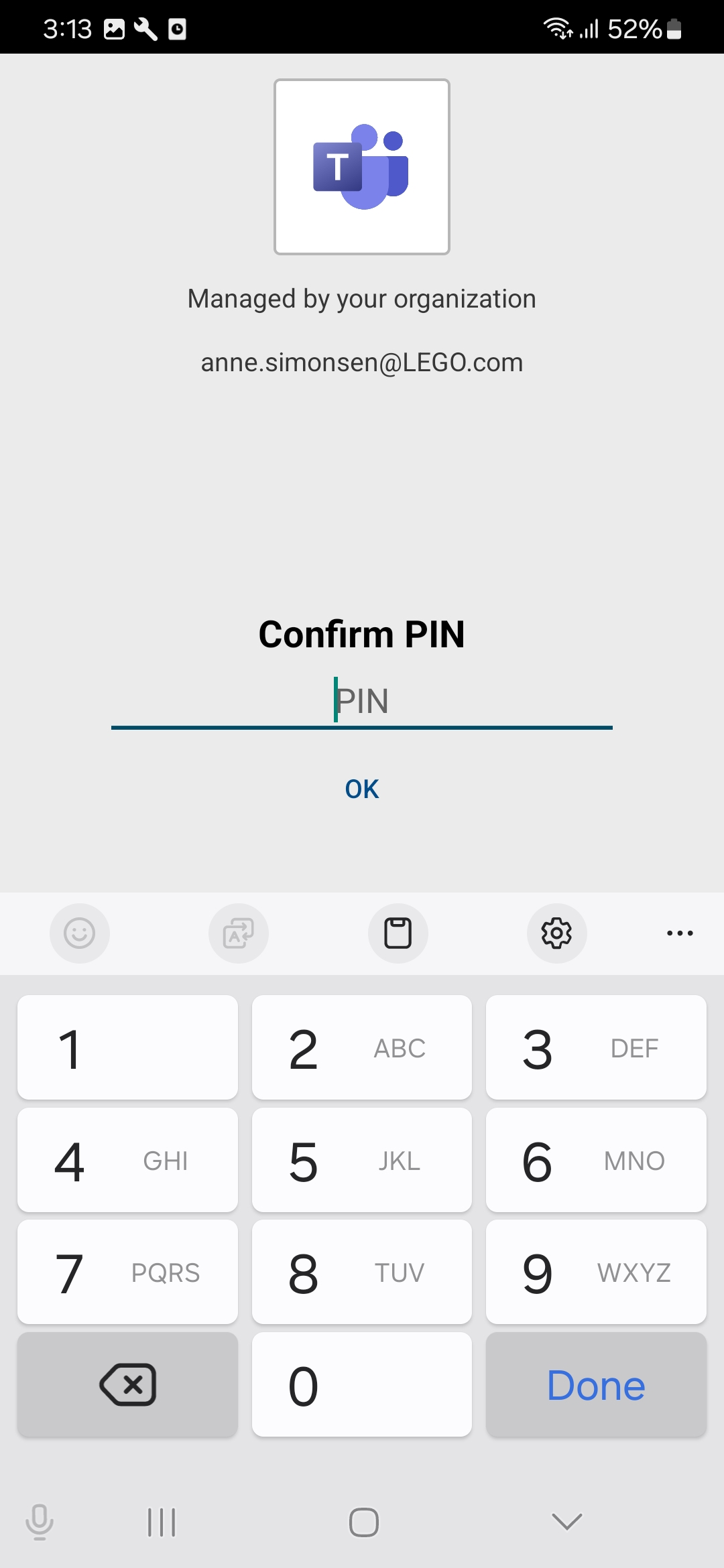
4.2 Choose your PIN
You will use this PIN for signing in to Microsoft Teams going forward.
How do I log in to Microsoft Teams?

You can use Microsoft Teams anytime. About once a day, you’ll be asked to confirm your sign-in:
- Microsoft Authenticator pops up when you open the app
- Follow the instructions
- Return to Microsoft Teams and enter your PIN
It takes a little time, but it helps keep your account secure.
4.1 Sign in to Microsoft Teams
Open Microsoft Teams, enter your work email and follow instructions.

4.2 Choose your PIN
You will use this PIN for signing in to Microsoft Teams going forward.
How do I log in to Microsoft Teams?

You can use Microsoft Teams anytime. About once a day, you’ll be asked to confirm your sign-in:
- Microsoft Authenticator pops up when you open the app
- Follow the instructions
- Return to Microsoft Teams and enter your PIN
It takes a little time, but it helps keep your account secure.